Contents
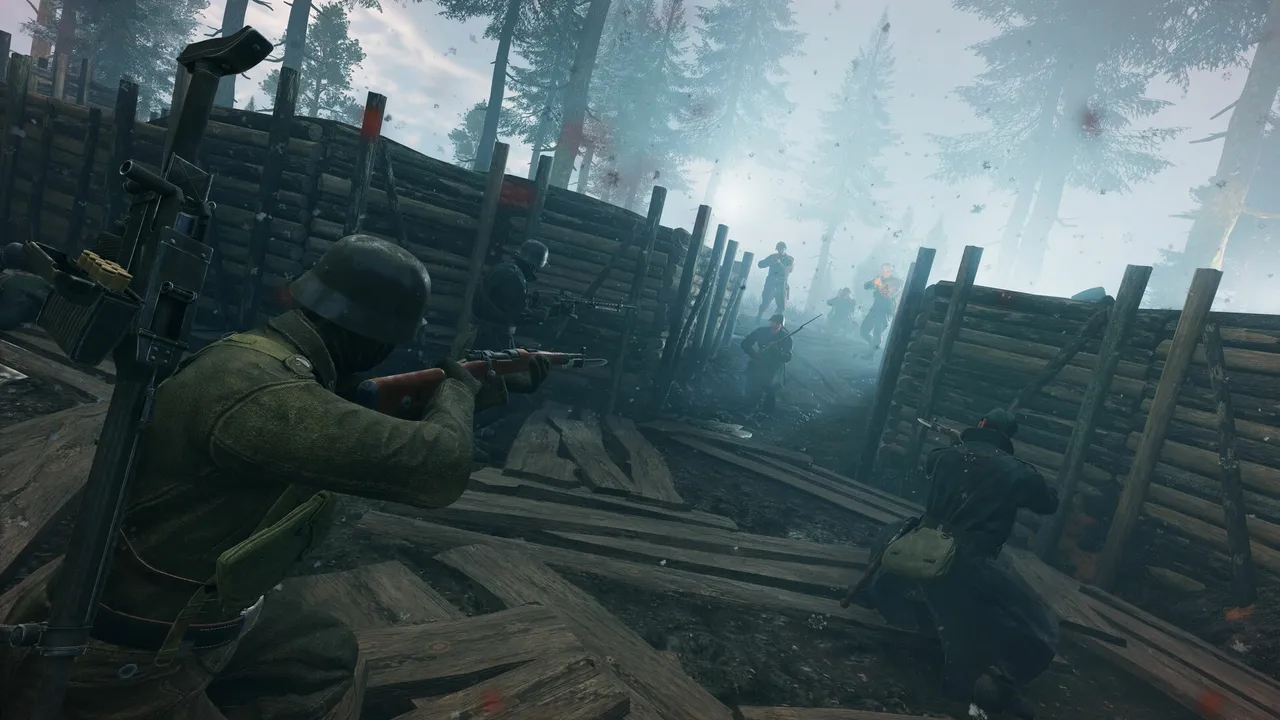
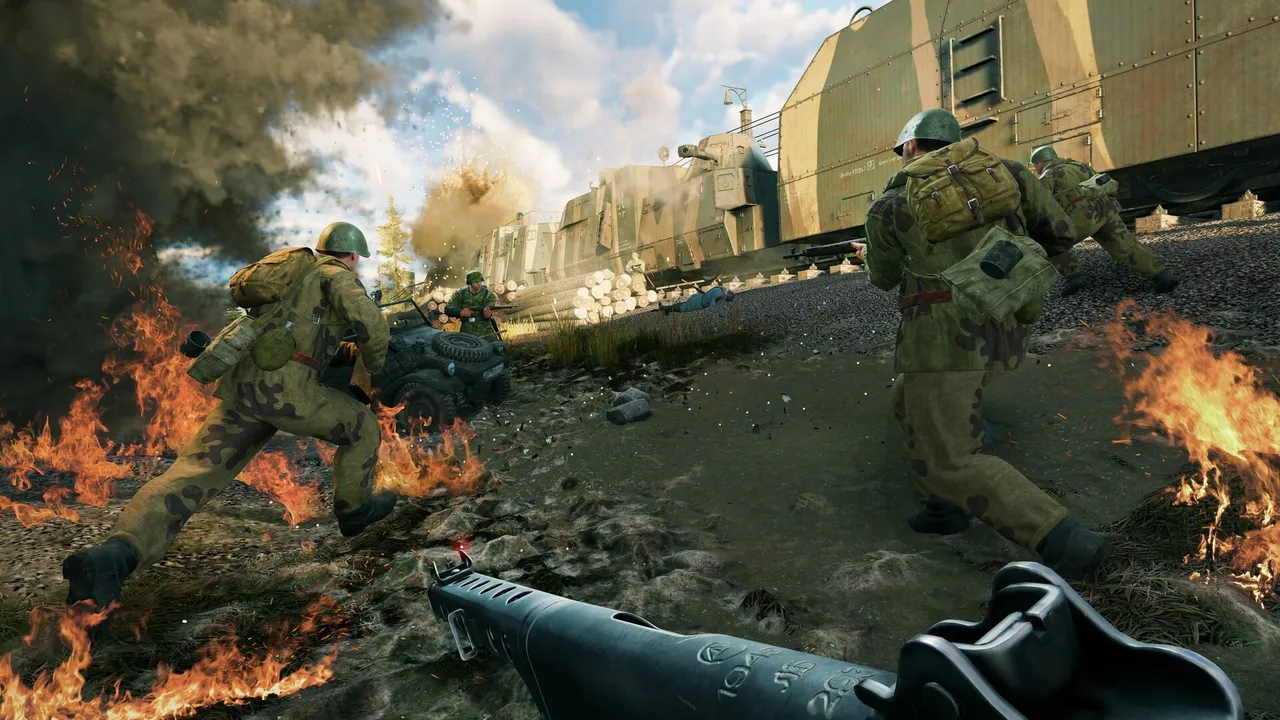
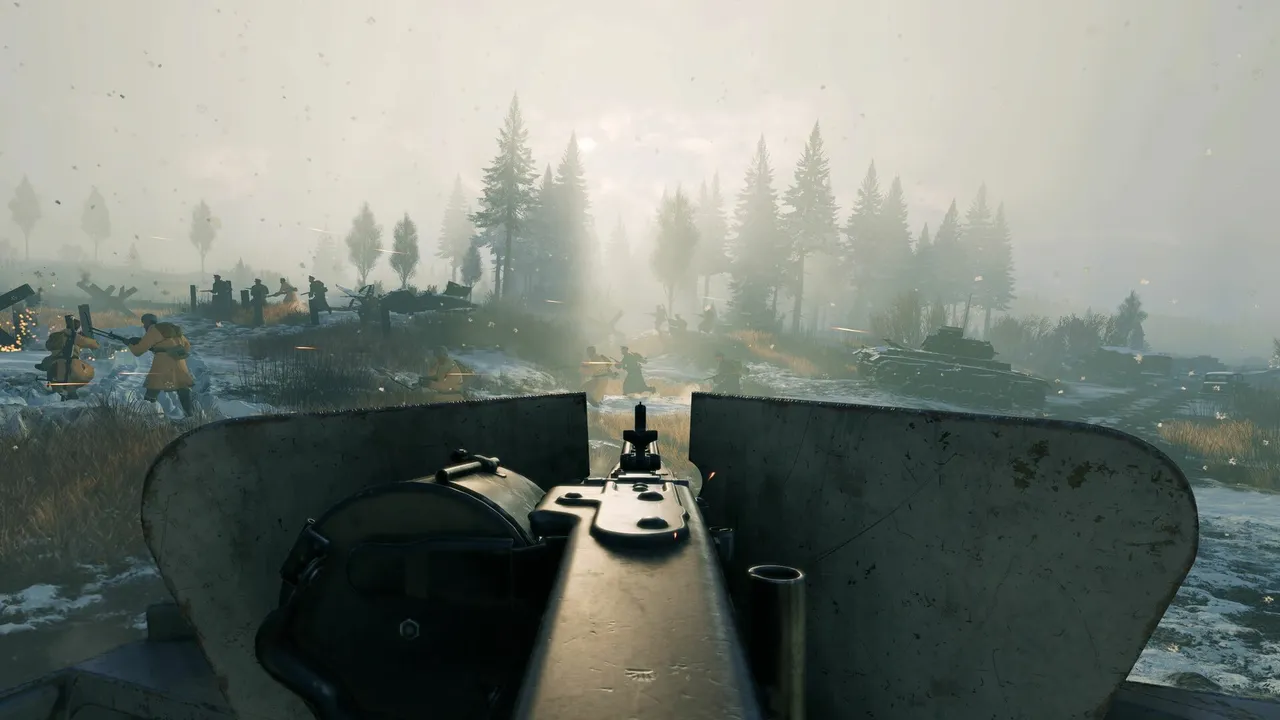
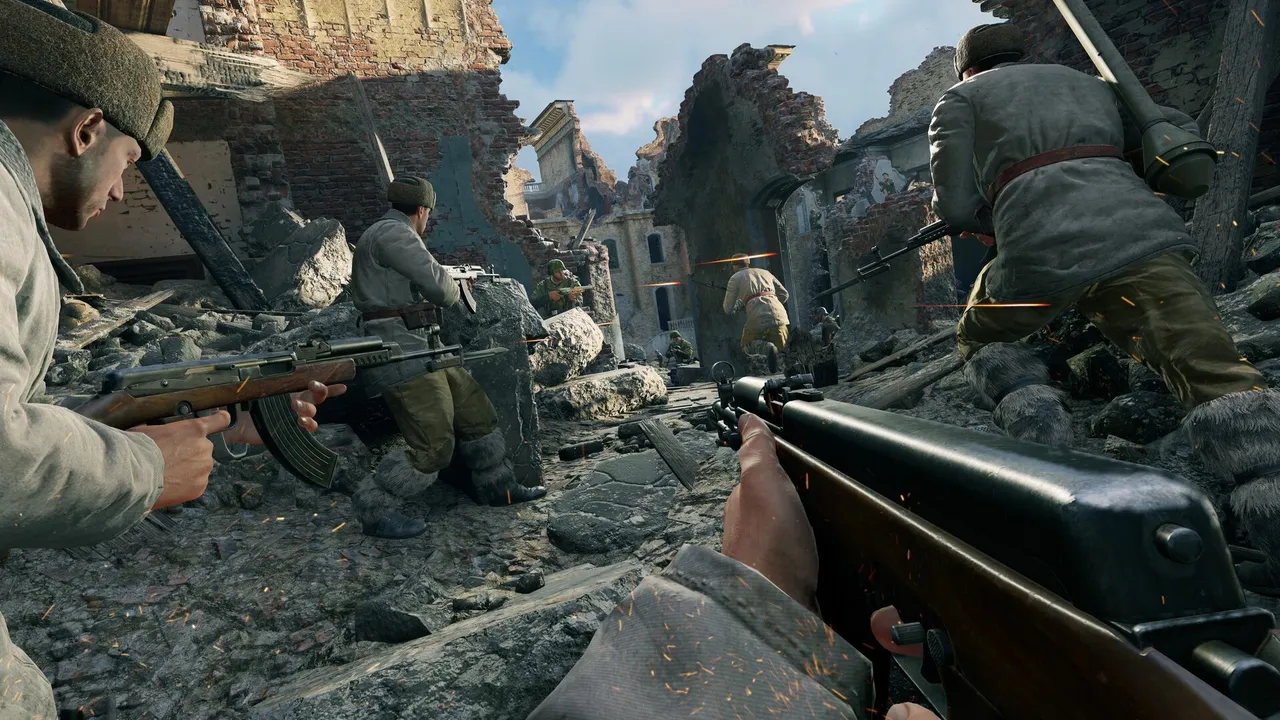
Enlisted is a free-to-play World War II squad shooter, and it's heavier than it looks. You control a whole squad of AI soldiers, and each battle mixes infantry, tanks and aircraft on large maps. That means a lot of characters, smoke, fire and physics on screen at once. The game is mostly limited by your graphics card, but the busiest fights also lean on the processor.
This guide covers the official requirements, the settings that give you the most frames, how to use the newer ray tracing and frame generation options, and how to fix stutter.
Official PC requirements
These are the specs listed on Enlisted's Steam page.
| Minimum | Recommended | |
|---|---|---|
| OS | Windows 10/11 64-bit | Windows 10/11 64-bit |
| Processor | Intel Core i3 or better | Intel Core i5-10400 or Ryzen 5 3600 and better |
| Memory | 8 GB RAM | 8 GB RAM |
| Graphics | GeForce GTX 660 / Radeon 78XX series or better | GeForce GTX 1080 / Radeon RX 5700 XT or better |
| DirectX | Version 11 | Version 11 |
| Network | Broadband connection | Broadband connection |
| Storage | 49 GB | 49 GB |
A few notes on these numbers:
- Use an SSD. Maps are large and the game pulls in new shaders as you meet new locations. A hard drive makes loading slow and stutter worse.
- 8 GB of RAM is the official floor for both tiers. With a browser and voice chat open, 16 GB gives you breathing room.
- Linux is supported on Steam, and recent patches fixed flickering and freezing on Linux and Steam Deck. There's no macOS version.
- Ray tracing needs more. The developers have cut its minimum video memory to 6 GB, which still rules out older or entry-level cards.
Pick the right Graphics API first
Enlisted has a Graphics API option with Auto, DirectX 11 and DirectX 12. Over 2026, the developers made Auto start DirectX 12 on more cards: RTX 30 and 40 series, AMD RDNA 4 cards, and the GTX 900 series. DirectX 12 is also required for AMD FSR Frame Generation and for ray tracing.
Our advice: leave it on Auto or pick DirectX 12 on any modern card. Switch to DirectX 11 only if you get crashes or graphical bugs on DirectX 12.
Best settings for smooth battles
Enlisted has presets from Bare Minimum up to Ultra, plus a Ray Tracing preset added in the "Off-road Patrol" update. Start from High on a recommended-spec PC, or Medium on anything close to the minimum. Then tune these settings:
| Setting | Recommended | Why |
|---|---|---|
| Resolution | Native | Keeps distant soldiers sharp |
| Anti-aliasing / upscaler | DLSS, FSR or XeSS on Quality | The biggest free frame boost |
| Frame generation | Off for competitive play | Adds input latency |
| NVIDIA Reflex (if you have it) | On | Lowers input lag in a shooter |
| Frame rate limit | Your monitor's refresh rate | Steadier frame pacing |
| Shadows | Medium | Expensive, little gameplay value |
| Effects / smoke quality | Medium | Explosions are the main frame drops |
| Global illumination | Medium | Heavy at the top settings |
| Textures | High if you have the video memory | Costs memory, not much speed |
| Draw / view distance | High | You spot tanks, squads and planes earlier |
The game supports NVIDIA DLSS 4.5, AMD FSR 4 and Intel XeSS 2, plus its own Temporal Hyper Resolution upscaler. There's also a DLSS Legacy Mode option if you prefer the older DLSS look. If your card supports DLSS or FSR 4, use it before you lower other settings.
If you still need more frames, lower these in order:
- Upscaler from Quality to Balanced, then Performance.
- Shadows and global illumination down one step.
- Effects quality down one step.
- Grass and foliage density, if your version separates it.
- The overall preset, then render resolution, as a last resort.
Keep draw distance as high as you can. Seeing an enemy squad early is worth more than nicer smoke.
Ray tracing, path tracing and frame generation
Enlisted has grown into one of the more advanced ray tracing showcases among free shooters. On PC you can enable ray traced shadows, ambient occlusion and reflections (opaque surfaces, glass and water), plus an option to add clutter and ground foliage to the ray traced scene. The Ray Tracing preset turns all of this on, on top of everything Ultra enables.
For enthusiasts, the latest update added path traced global illumination (PTGI). It requires DLSS Ray Reconstruction, so it only works on NVIDIA RTX cards. The developers describe it as built for high-end GPUs. When PTGI is on, ray traced ambient occlusion switches off automatically. When the developers added Ray Reconstruction, they suggested the DLSS Performance preset for players who used to run the game without upscaling.
On frame generation, the game now supports DLSS Multi Frame Generation up to 6x, a dynamic mode that adjusts the ratio to keep a steady output, and AMD FSR Frame Generation on DirectX 12. If you run FSR Frame Generation with HDR, update the game: patch 0.7.6.62 fixed a crash with that combination.
Our take: ray tracing and frame generation are for atmosphere and single-screen spectacle. For ranked-style play where every click matters, turn them off and spend your GPU budget on raw frame rate.
Heaviest situations: big pushes and forests
Expect your lowest frame rates when both teams pile onto one capture point. Artillery, flamethrowers, burning vehicles and dozens of soldiers all land in the same frame. Dense forests used to be a ray tracing stress test too. The developers added Opacity Micromaps on supported cards to speed that up.
If drops only happen in these fights, lower effects and shadows rather than textures.
Playing on a laptop
- Plug in and set Windows to its best performance power mode.
- Make sure the game runs on the dedicated GPU, not the integrated one.
- Use the Medium preset with an upscaler on Quality or Balanced, then cap frames a little below what you can hold.
- Watch temperatures. A cooling pad and clean vents help keep clocks steady in long matches.
On Steam Deck, start from Low, use an upscaler and cap at 30 or 40 fps for steady battles. Keep the game updated, since recent patches fixed Linux and Deck freezes.
Peripherals that help
- A mouse with side buttons, so squad orders, grenades and gadgets don't take your hand off movement.
- A high-refresh monitor (144 Hz or more), if your PC can hold the frame rate. It makes tracking running soldiers easier.
- A closed-back headset to hear footsteps, tank engines and diving planes.
- A flight stick or controller, if you fly a lot and want finer control than mouse aim.
Fixing stutter
- Let shaders cache. After big updates, shaders are rebuilt. The first few matches can hitch, and in its August 2026 SITREP Gaijin said DirectX 12 would pre-cache most shaders at first launch from the Off-road Patrol update on. Let it finish before you queue.
- Use DirectX 12 on a modern card, and fall back to DirectX 11 only if it crashes.
- Update your graphics drivers.
- Move the game to an SSD.
- Lower effects and shadows if stutter only hits in big explosions.
- Close background apps, especially browsers playing video.
- Verify game files in Steam if crashes keep happening.
Quick checklist
- SSD install, fresh drivers, Graphics API on Auto or DirectX 12.
- Native resolution with DLSS, FSR or XeSS on Quality.
- Reflex on, frame generation and ray tracing off for competitive play.
- Shadows, effects and global illumination on Medium, draw distance High.
- Cap at your monitor's refresh rate.
Once your PC runs smoothly, read our Enlisted beginner's guide for squad tactics.
More on Enlisted
Sources
- store.steampowered.com · store.steampowered.com/app/2051620/
- steamstore-a.akamaihd.net · steamstore-a.akamaihd.net/news/externalpost/steam_community_announceme
- steamstore-a.akamaihd.net · steamstore-a.akamaihd.net/news/externalpost/steam_community_announceme