Contents
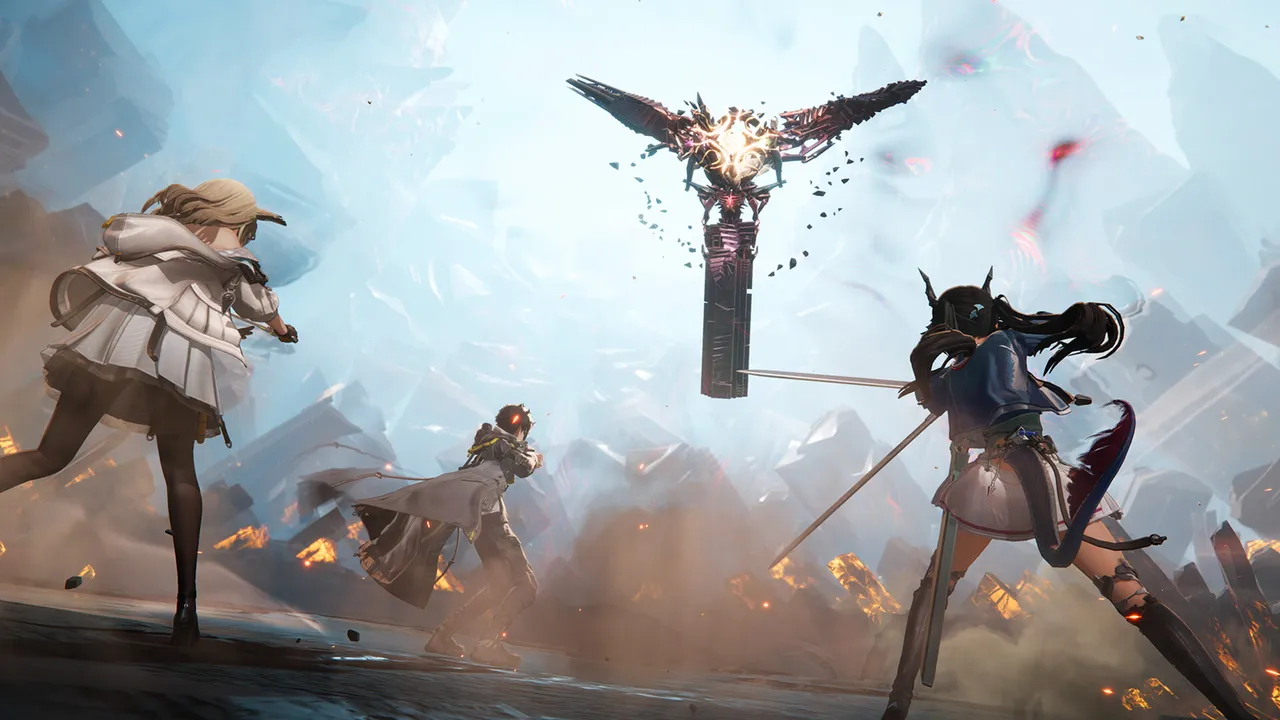
Arknights: Endfield is a free-to-play 3D real-time strategy RPG from developer Hypergryph, published by GRYPHLINE. You play the Endministrator of Endfield Industries, exploring the planet Talos-II with a squad of Operators while you build and expand a production base. It is monetized through a gacha system.
The game launched worldwide on January 22, 2026, on PC, PS5, iOS and Android. The Steam version went live on October 15, 2026 (Asia time; the Steam store lists October 14), alongside the "Sanctuary of Ink" update. Steam supports account sharing across platforms, so you can continue an existing account. This guide covers combat, the factory, Operator growth and pulls.
Your first-week priorities
- Follow the main story and tutorials. They unlock regions, tools and the factory systems everything else depends on.
- Automate your resource supply early. The factory should be producing while you explore.
- Pick one main damage dealer. Invest your upgrade materials there before spreading out.
- Use the beginner banner. It is a one-time banner with a guaranteed 6-star at 40 pulls, according to guide sites.
- Log in daily and spend your Sanity. Sanity is the game's stamina resource, and login events hand out Headhunting Permits.
- Save your premium pulls. Don't spend them on a limited banner until you can afford the full guarantee (see below).
How combat works
Fights are real time. You bring up to four Operators, control one directly and switch between them. The others act on their own. Skills share a pool of energy, so the order and timing of your skills matter more than raw button speed.
- Basic attacks and final strikes. A chain of normal attacks ends in a final strike. Guides report that landing one also restores some skill energy.
- Battle skills and ultimates. Battle skills spend shared energy. Ultimates charge separately and hit harder.
- Combo skills. These trigger when a condition is met, such as an enemy becoming Vulnerable. Pair Operators who can set up that condition for others.
- Stagger. Enemies have a stagger gauge. Skills, reactions, combos and ultimates fill it. When it is full, you can use a high-damage finisher.
The loop is simple: apply elements, fill the stagger gauge, then punish. Different elements create different Arts reactions, so check what each Operator applies before building a squad. Some Operators work best with a specific team. One Cryo-focused unit, for example, wants an all-Cryo squad, because other elements can strip her stacks.
The Sanctuary of Ink update added more flexible targeting controls and a priority setting for combo skills. Check the combat settings once you unlock them.
The AIC factory: automate first
The Automated Industry Complex (AIC) is the production hub of each region. You place machines, connect them with power and conveyors, and let them produce parts, materials and gear inputs without you.
The official launch notice describes the idea in one line: a pile of parts and a single blueprint become a machine that runs on its own. Treat that as your plan.
- Finish the tutorial first. It introduces the core machines in a safe order.
- Look for Protocol Dataloggers while exploring. Guides say each one unlocks a factory upgrade in the AIC Factory Plan menu.
- Redesign after you learn. Early layouts are usually messy. Once you understand power and throughput, rebuilding is cheap.
- Use the new quality-of-life tools. The patch improved facility placement, farming and delivery jobs, and it added automatic use of Sanity Meds before they expire.
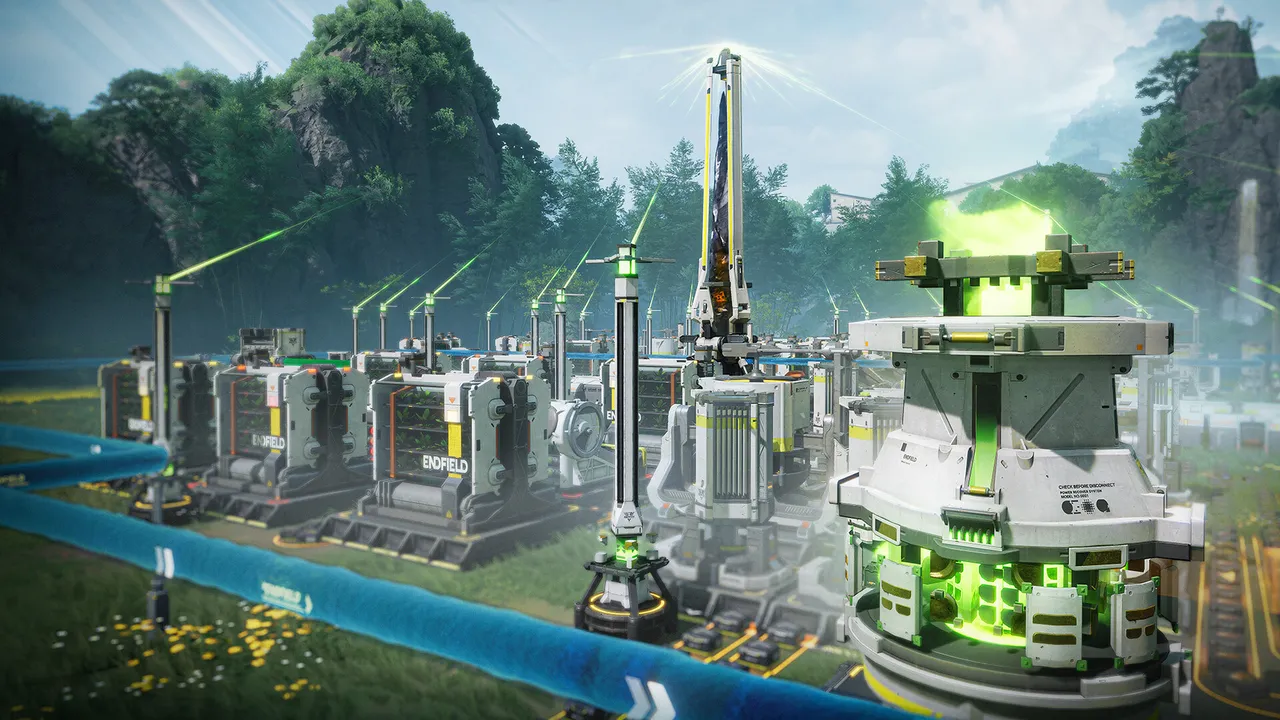 A factory in Endfield, with power towers, machines and conveyor lines. Screenshot: Hypergryph / GRYPHLINE via Steam
Growing your Operators
Check each Operator's primary and secondary attributes before you equip gear, because they decide how damage scales. Build around one carry first. Then add a support and a sustain pick so your squad can keep energy flowing.
The Sanctuary of Ink update added a Gear Plan feature, and the patch notes also mention more squad slots and saved gear sets. Use them once available, so you can swap setups without re-equipping by hand.
Pulls and pity
Operators come from Headhunting banners. The 6-star base rate is 0.8%. The numbers below come from guide sites such as Icy Veins and KeenGamer. Confirm them in the in-game rules before you spend.
| Banner | What to know |
|---|---|
| Beginner | One time only. Guaranteed 6-star at 40 pulls. |
| Standard | Hard pity at 80. |
| Limited | Hard pity at 80, which can be a non-featured 6-star. The featured Operator is guaranteed by 120 pulls. |
According to guide sites, the 80-pull pity carries over to the next limited banner, but the 120-pull featured guarantee resets when the banner changes. The safe rule: start pulling on a limited banner only when you have enough for 120 pulls.
Mistakes to avoid
- Pulling on a limited banner with a small stash. You may hit the 80-pull 50/50 and lose it with no guarantee in reach.
- Ignoring the factory. Hand-gathering is slow. Automation pays off every day.
- Spreading materials across the whole roster. One finished carry beats five half-built Operators.
- Letting Sanity cap out. Wasted stamina is wasted progress, so spend it before you log off.
- Skipping the beginner banner. It is the cheapest route to a guaranteed 6-star.
What to do next
Once your factory runs on its own and your main Operator is built, look at what is new in the Sanctuary of Ink update. It continues the second-chapter story, adds two new Operators and introduces a countryside inn you run by hand. Read our Arknights: Endfield news coverage for the update details, and our setup guide for PC performance settings.
More on Arknights: Endfield
Sources
- store.steampowered.com · store.steampowered.com/app/4732690/
- icy-veins.com · icy-veins.com/arknights-endfield/endfield-character-banner
- pcgamesn.com · pcgamesn.com/arknights-endfield/pity-system