Contents
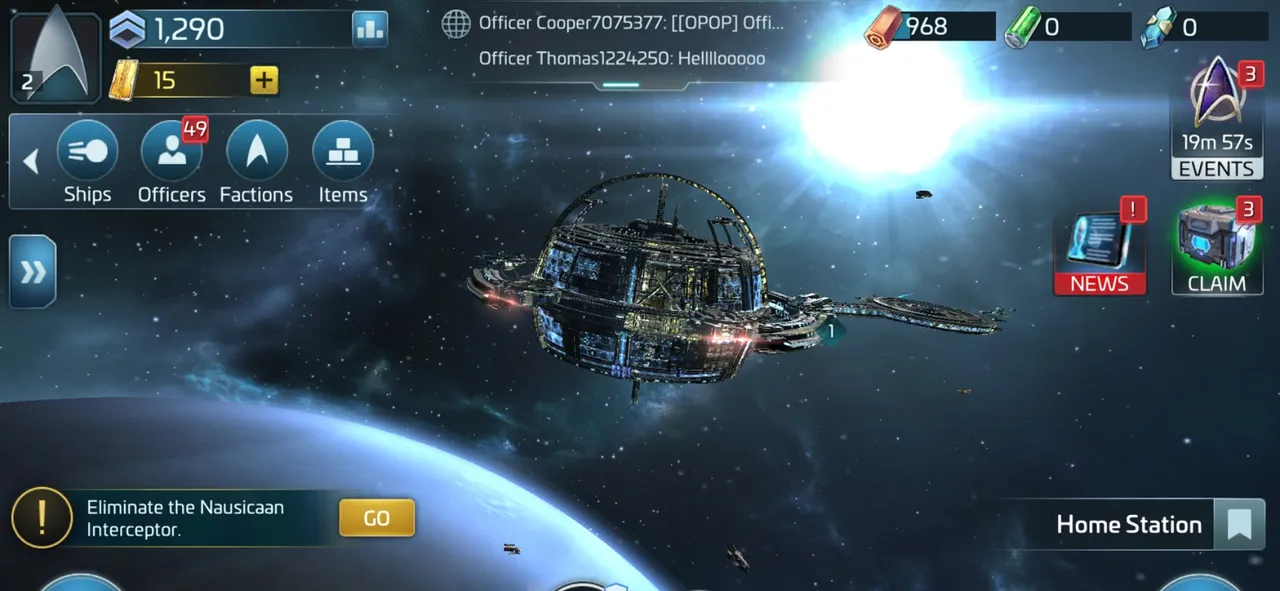
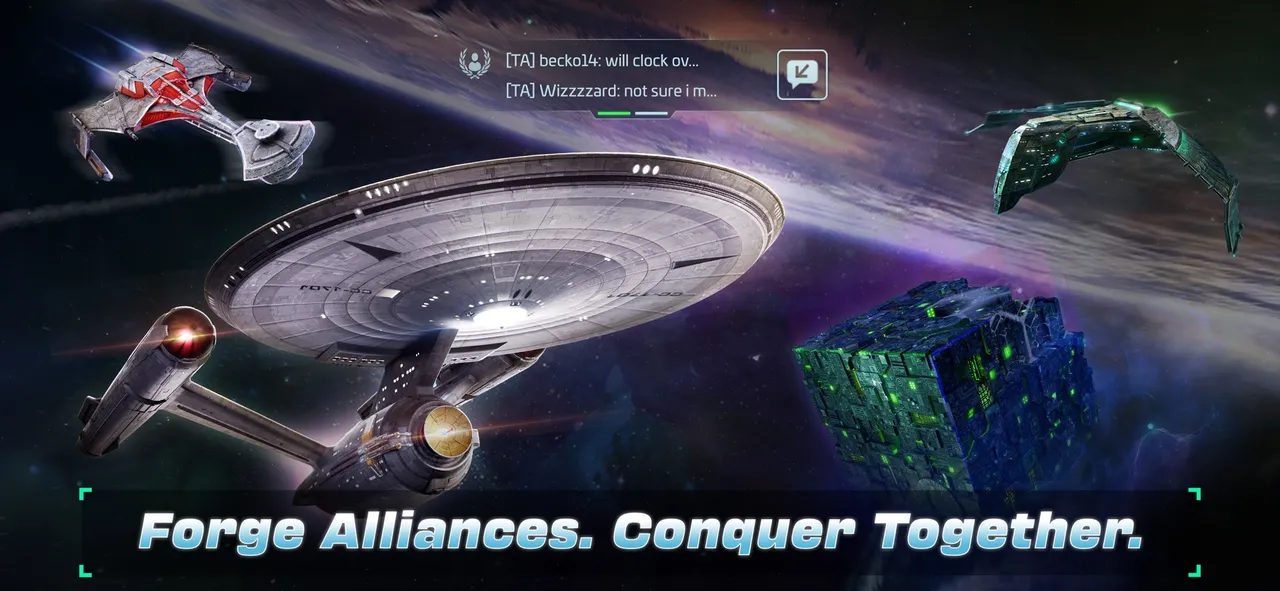
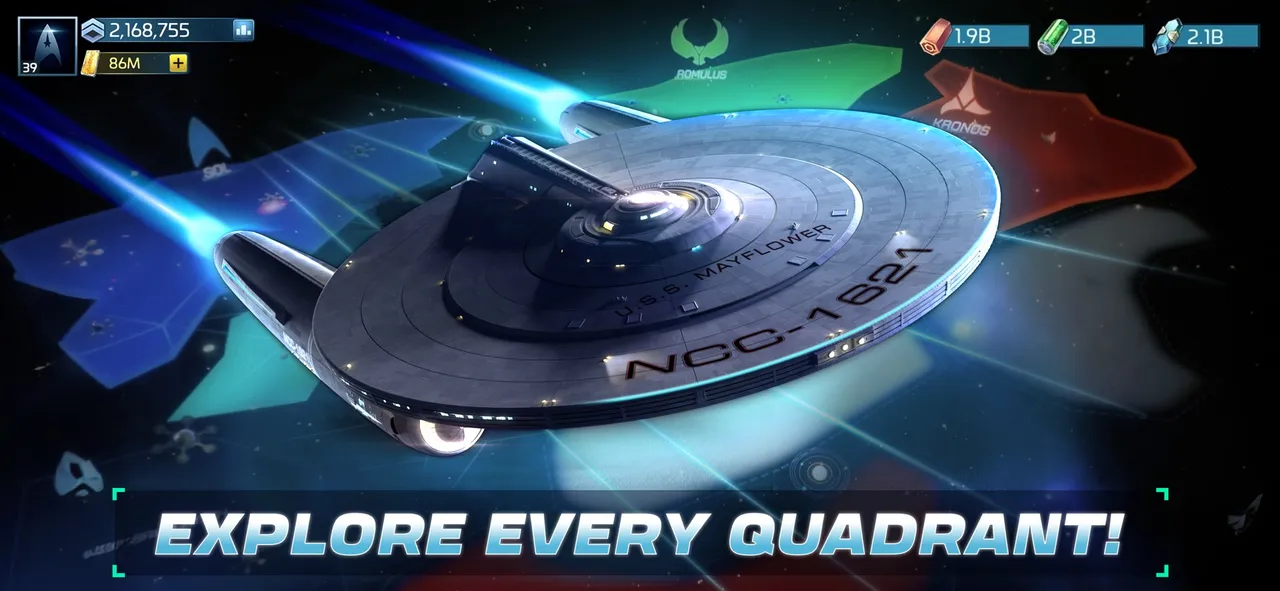
Star Trek Fleet Command is a free-to-play strategy MMO published by Scopely. You run a starbase at the edge of the Alpha and Beta quadrants, build ships like the U.S.S. Enterprise and the Klingon Bird of Prey, and recruit officers from almost every era of the franchise, from the original series to Strange New Worlds. It launched on iOS and Android in November 2018, a PC client arrived in September 2021, and the current official Windows and macOS clients followed in February 2023. Your account and progress are shared across devices, and free updates land roughly every month, the latest being the Division 12 release in October 2026.
The game is free to download and earns money from offers, bundles and a battle pass. This guide covers the systems that decide how fast you grow: ship classes, officers, the station, resources and staying safe on a server full of real players.
Your first-week priorities
- Follow the main questline. Story missions give the most experience early on and introduce each system in a sensible order. Claim side quests as you pass them.
- Finish your daily goals. You'll find them behind the exclamation mark icon on the left of the screen. They take about half an hour and pay steady resources on top of login rewards.
- Keep Operations climbing. Your Ops level is your player level, and it gates new buildings, ships and systems.
- Always have something building and researching. Idle queues are lost time.
- Join a helpful alliance. Look for one that welcomes new players rather than chasing the top-ranked group on day one.
Ship classes and the combat triangle
Combat ships come in three classes, and each one has a built-in edge over another:
| Class | Beats | Loses to | How it fights |
|---|---|---|---|
| Interceptor | Battleships | Explorers | Dodges incoming fire |
| Battleship | Explorers | Interceptors | Thick armor, shield-piercing weapons |
| Explorer | Interceptors | Battleships | Strong shields, accurate weapons |
Survey ships sit outside the triangle. They are weak in combat but carry far more cargo and get a mining bonus, so they do your resource gathering.
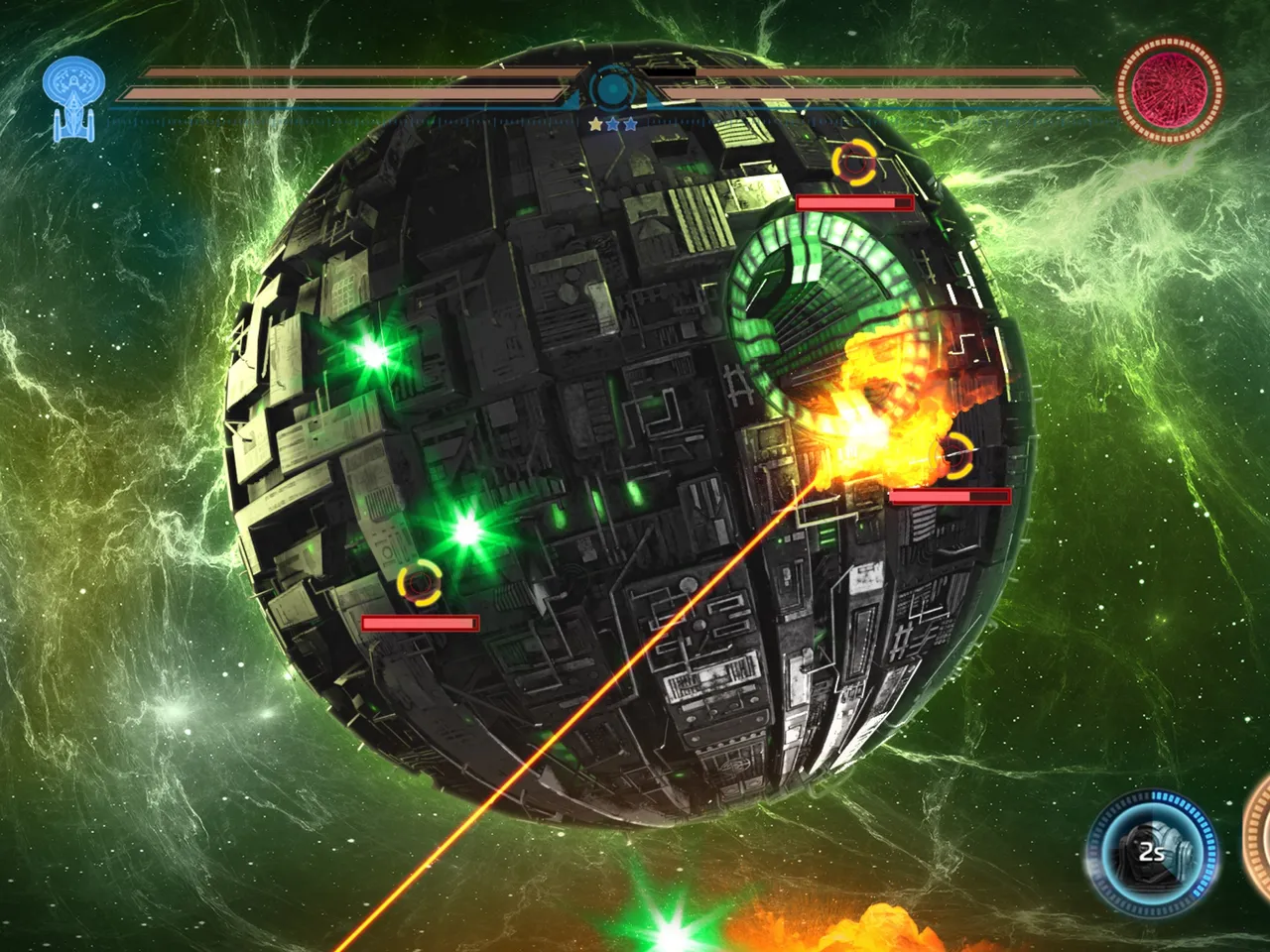
Fights are quick, usually a few seconds, and the side with more combat power tends to win. The triangle adds a real advantage in both PvE and PvP, so it decides close matchups. Before you attack, tap Scan to see your odds, and send the class that counters your target.
Ships level up with ship XP. Installing their components raises stats, and once every component on a tier is done you can tier up to unlock a higher level cap. Tiering takes time, and the ship stays in drydock until it finishes, so plan around it. New ships need blueprints, which come from missions, destroyed hostiles, events and faction stores. Rarities run from Common and Uncommon up to Rare and Epic.
Officers: who sits in the middle matters
Each ship has a bridge with three seats. Every officer you seat adds attack, defense and health to the ship and turns on their Officer Ability. The officer in the middle seat is the captain, and only the captain also fires their Captain's Maneuver, usually their strongest effect.
So build each crew around one captain. Then fill the two side seats with officers whose abilities support that ship's job: fighting hostiles, attacking players, or mining. Look for the synergy marker: seating officers from the same synergy group on the bridge boosts the captain's effect.
Officers grow in two ways. Officer XP raises their level, and promotion needs shards of that same officer plus resources. Rarer officers also have more traits, which matter for Away Team assignments, a side system that sends officers on missions for rewards.
Recruit tokens are limited, so don't spend them the moment you get them. Event recruitment usually gives better odds on limited and stronger officers than the standard pool.
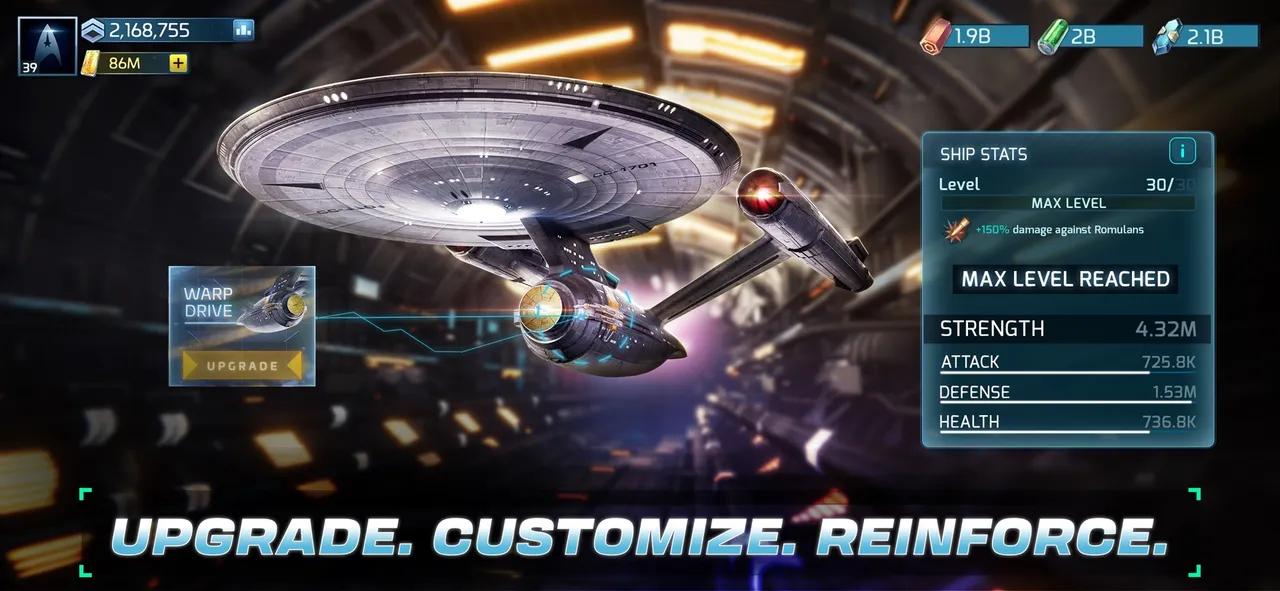 A ship at max level for its tier, ready for its next upgrade. Screenshot: Scopely, Inc. via App Store
Your station: what each building does
- Operations: your main building. It raises your level, unlocks other buildings and adds a weapon damage bonus.
- Academy: houses unassigned officers, lets you recruit more and boosts officer stats.
- R&D Department: runs research and unlocks some ships and buildings.
- Shipyard and drydocks: the shipyard builds ships. Each drydock holds one active ship, so more drydocks means more ships in play. Upgraded drydocks repair faster and cheaper.
- Generators, warehouses and vaults: generators produce resources, warehouses cap how much you can store, and vaults protect a set amount from raiders.
- Defense platforms: your station's first line of defense against attacks.
Most upgrades require other buildings at a certain level first. Check the requirements a few steps ahead so a missing prerequisite doesn't stall your next Ops level.
Resources, mining and research
Your three core resources are Parsteel, Tritanium and Dilithium. Generators make them over time, and you also earn them from missions, daily goals, events, hostiles and mining. If a warehouse is full, its generator stops delivering, so upgrade storage alongside production.
Further out, Survey ships mine raw ore, gas and crystal. The Refinery inside your station turns these into refined versions, which later ship and building upgrades depend on. Start refining as soon as it opens, because those materials become the bottleneck. Latinum is the rarest currency and can buy resources or speed up timers, so don't waste it on short jobs.
Research gives permanent bonuses across trees such as Combat, Station, Galaxy, Mining, Away Teams, Territory, Generators and Warehouses. Early on, Station research speeds construction, Mining research brings home more per trip, and Combat research pays off once you farm hostiles regularly.
Staying safe from other players
Station combat opens at Operations level 15. From then on, attackers face your defense platforms and any combat-ready ships docked at home. Ships that are away, repairing or upgrading can't help. If your station falls, the attacker loads what their ship can carry, but anything inside your vaults stays safe.
Peace shields block attacks for a set time. The first attack on you triggers a free 10-minute shield, at most once every two hours. Shields don't stack, and attacking another player drops your own shield.
Ships in space are exposed too. A loaded mining ship is a tempting target, so watch your protected cargo and bring miners home before you log off.
Mistakes to avoid
- Pouring upgrades into low-rarity ships and officers you'll replace within weeks.
- Putting your best officer in a side seat, where their Captain's Maneuver never fires.
- Attacking without scanning or checking the target's class.
- Letting warehouses fill up, or leaving the Refinery and research queues idle.
- Breaking your own peace shield by attacking a player while you hold resources you can't protect.
- Spending recruit tokens and Latinum outside events and important upgrades.
What to do next
Once your Ops level climbs past the early game, events become your main source of rare parts and officers, so check the event tab every day. Follow our Star Trek Fleet Command news for each monthly release, and read our setup guide if you want to move your account to the PC or Mac client.
More on Star Trek Fleet Command
Sources
- startrekfleetcommand.com · startrekfleetcommand.com/academy/academy-ships-combat/
- startrekfleetcommand.com · startrekfleetcommand.com/academy/academy-officer-guide/
- startrekfleetcommand.com · startrekfleetcommand.com/academy/academy-station-guide/